
Git and Markdown
Good history, but images, rich tables, navigation, and small human corrections still create friction for many teams.
MIT open source · Self-hosted · CLI · MCP/API
Nyxdoc is not a chatbot inside your docs. Connect Codex, Claude Code, OpenClaw, or any MCP client. Agents create and update a shared draft; people review, edit in the browser, and decide when to save the next version.
An existing account or invitation is required.
Install with Docker ↗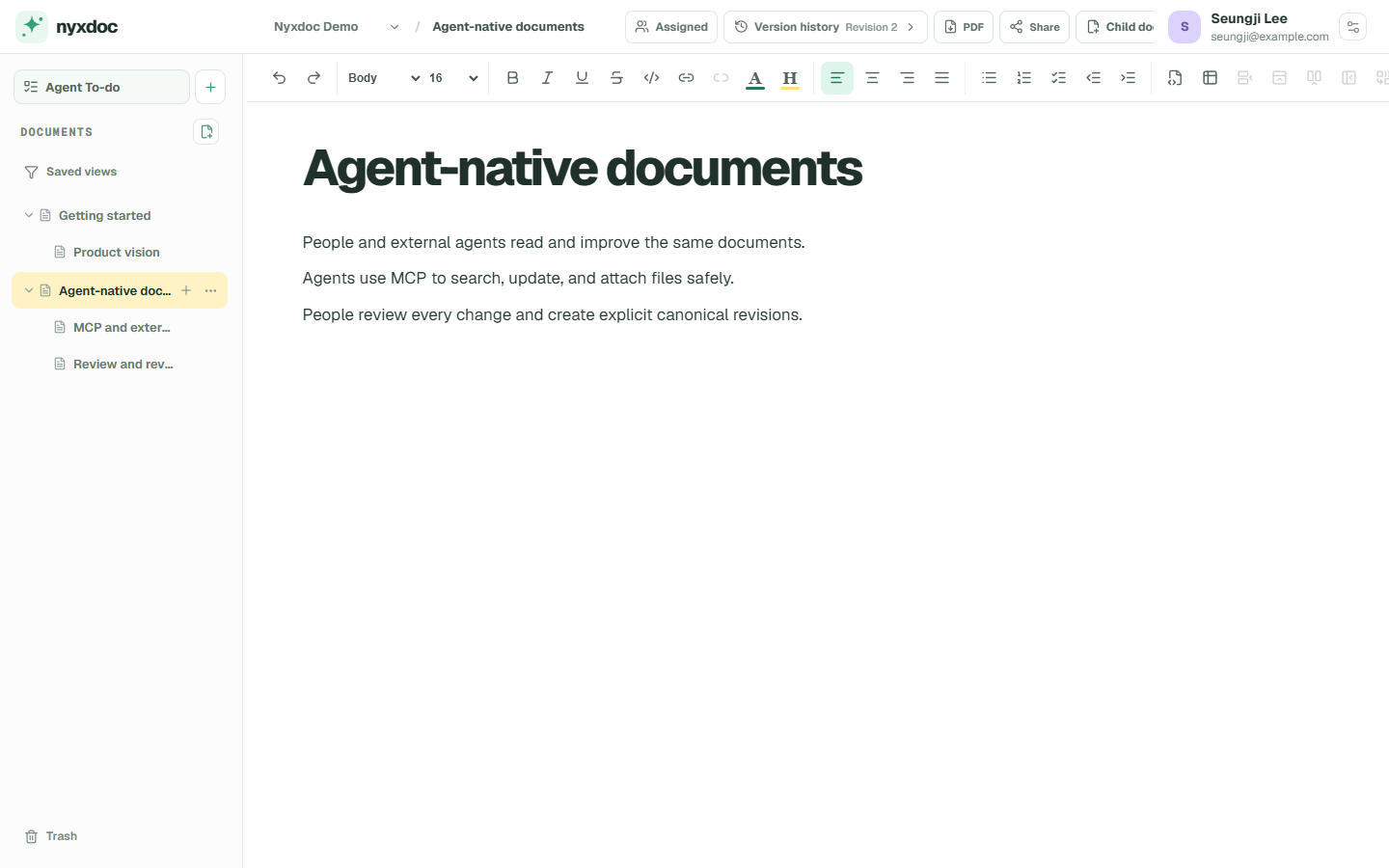
A SPACE TO THINK TOGETHER
Start in the app’s Agent management. Choose access, copy the connection guide, and continue in the agent you already use.
Open Nyxdoc An existing account or invitation is required.CLI + skill for local agents. Compact MCP for connected apps.
Documents are the common surface
Code repositories are useful for files, and chat is useful for requests. Neither is a comfortable place for a team to read, revise, and preserve everyday knowledge with an agent.
Good history, but images, rich tables, navigation, and small human corrections still create friction for many teams.
Best when external agents should work inside an existing SaaS knowledge base.
For people and external agents working on the same rich draft, with direct editing, explicit saved versions, and self-hosted deployment.
Shared draft → Human review → Saved revision
Read the product visionA visible working loop
The agent stays in its usual client. Nyxdoc provides the document context, permissions, draft, and revision record.
Register an external agent with OAuth or a scoped connection key, then choose its workspace and document permissions.
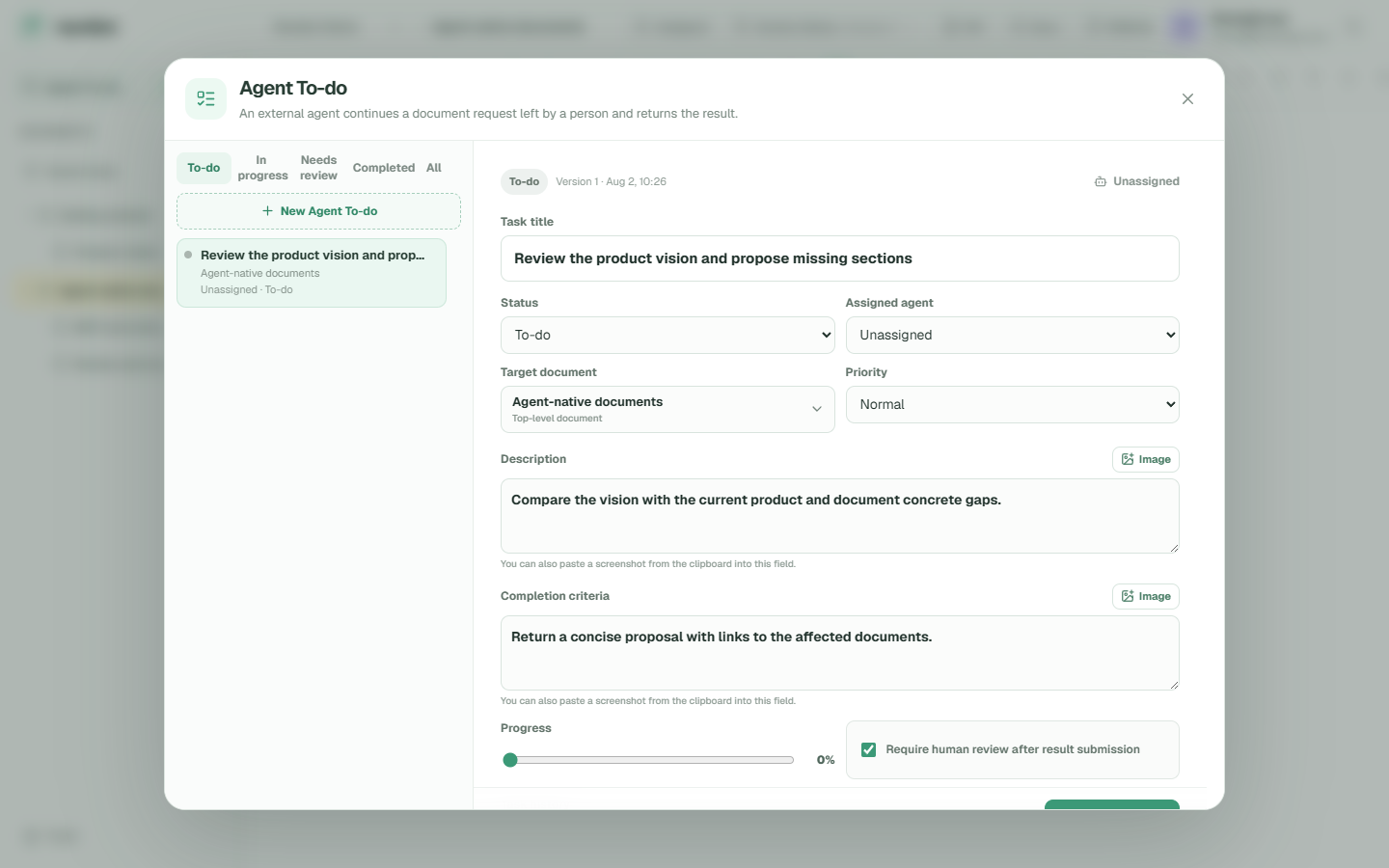
Codex · Editor · Product subtreeAsk in your usual agent client, or leave an Agent To-do and explicitly tell the agent when to begin.
Update the launch FAQ with the confirmed dateThe agent reads the document tree, edits structured content, uploads media, and returns its work to the document.
A person checks the result, makes final edits, and explicitly saves a revision with its author and change summary.
One document, two working surfaces
Nyxdoc does not ask people to edit JSON or ask agents to operate a visual editor. Both sides meet in the same structured document and revision model.
If error rate exceeds 2%, stop the rollout and restore version 17.
FIG 03 — People can make precise final edits without leaving the document.Review what changed
See who changed a document, what they changed, and why. Open earlier revisions without creating new ones, compare content, and restore deliberately when needed.
If errors increase, pause the rollout and review the affected services.
If error rate exceeds 2%, stop the rollout and restore version 17.
nyx_live_••••••••••••Bring your own agent
Nyxdoc is vendor-neutral. Connect through Streamable HTTP MCP or the API instead of moving your workflow into another embedded assistant.
Agent identity, credentials, workspace assignments, document range, and permitted actions are managed separately.
Read the agent protocolStart alone, add a team when needed
A personal workspace stays simple. Organizations and teams add clear ownership and access boundaries without changing how documents work.
Keep projects separate and decide what each of your agents can read or change.
Invite members and group access by team while preserving individual attribution.
Register an agent once, then assign different roles and document scopes per workspace.
Coordinate Agent To-do work and retain trash, restore, and audit records across contributors.
Open source and self-hosted
Nyxdoc is released under the MIT License. Run it on your own Linux host with Docker Compose, inspect the source, and adapt it to your environment.
git clone https://github.com/getnyxdoc/nyxdoc.git && cd nyxdoc && ./scripts/install.shLinux host · Docker Engine · Docker Compose v2
Install Nyxdoc on your own host, connect the agent you already use, and begin with one real document workflow.